
Moya Kids.

Engraving drawing
This is the drawing from a Moya Kids order. Download it for the laser.
Design your Moya.
Pick a bottle, choose your colour, then add your name or draw something of your own. When it looks just right, show a grown-up.
This is the back of your bottle. Your name or drawing goes here, below the label.
Pick your bottle
Choose a colour
Up to 15 letters, in any language.
Draw right on your bottle with your finger. Simple lines engrave best, like a smiley face, a star or your favourite animal.
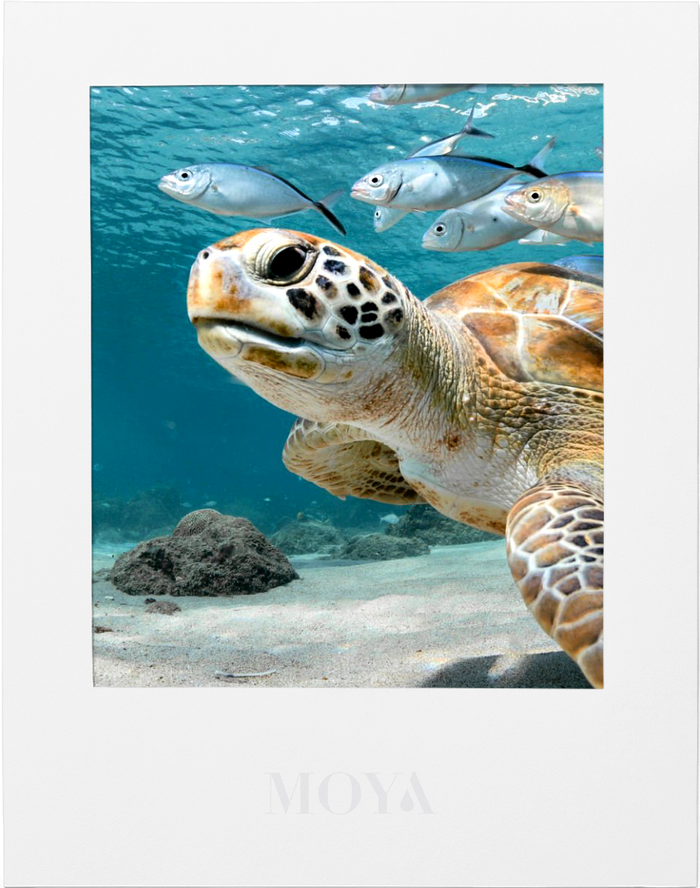
Catch the plastic.
Plastic is sinking to the sea floor! Move the net to catch it before it lands.
This week's challenge
Catch the plastic!
Plastic is sinking to the sea floor. Move the net to catch it before it lands. Let three pieces reach the bottom and it's game over.

Ocean match.
Flip two cards at a time and find the matching pairs. Every pair you find has a fun ocean fact.
You found them all!

Colour in.
Pick a picture, choose your colours and tap to fill it in. Then save it or print it out.
1. Pick a picture
2. Pick a colour
Moya colours
Fun colours
Your colour
3. Tap to colour
4. Keep it
Ask a grown-up before printing.


A note for grown-ups
This page is just for fun. We don't collect any information from children, there's nothing to sign up for, and scores are only saved on this device.
When your child has finished designing, they can tap "Show a grown-up" at the bottom of the bottle designer. It opens their bottle in our shop with their name or drawing ready for free engraving, so you can check everything before ordering. We engrave on the back of the bottle, below the label.